Most people choosing a food truck, whether for a wedding, a works do or a quick lunch, start with a search on their phone. If your truck appears on Google Maps with clear information, good photos and recent reviews, you have a real advantage over a business that is hard to find. A free Google Business Profile is the main way to make that happen.
This guide explains how a food truck can set up and look after a profile, what to put in it, and which mistakes to avoid. It is written for owners who would rather spend their time cooking than fiddling with settings, so every step is practical and can be done in short sessions.
Why a Google Business Profile matters for a food truck
When someone searches for something like “food truck near me” or “wedding catering in Ballymena”, Google often shows a map and a short list of local businesses above the usual website results. A Business Profile is what lets your truck appear in that space. It shows your name, photos, reviews, opening hours, website and ways to get in touch.
For a shop, customers can simply walk past and see you. A truck moves, trades at events and takes bookings, so people rely much more on what they can find online. A well-kept profile does three useful things:
- It helps people find you even when they do not know your name.
- It builds trust through photos and reviews from real customers.
- It cuts down wasted enquiries, because your hours, area and contact details are clear.
Can a food truck have a Google Business Profile?
In general, yes, but it takes a little care. Google’s guidelines are written mainly with shops, offices and service providers in mind, and they do not describe every situation a mobile business faces. Because of that, many owners follow a common approach: they set the truck up as a service-area business. This means giving Google an address for verification, hiding it from public view, and listing the areas you cover instead.
If your truck trades from a fixed pitch that customers can visit, such as a regular spot in a car park, the best set-up may be different. Guidelines also change from time to time, so treat this article as a starting point and read Google’s own pages before you submit anything. The two most useful are the business eligibility guidelines and the guidelines for representing your business on Google.
One rule is worth stating plainly: never enter an address you cannot genuinely use. Profiles with misleading locations can be suspended, and sorting that out is far more work than setting things up properly in the first place.
Setting up your profile step by step
- Use the right Google account. Sign in with an account you control and want to keep for the long term. A business email is better than a personal one, because the profile will be tied to it.
- Check whether a profile already exists. Search for your truck name on Google Maps first. Sometimes a listing has been created automatically, and you may be able to claim it rather than start again.
- Enter your business name exactly as it appears on your truck and signage. Do not add extra keywords or locations to the name. Google’s rules ask for your real, everyday name.
- Choose how you serve customers. If you travel to customers or trade at different places, select the option for serving customers at their location, hide your address and add the areas you cover.
- Add a phone number and website. Use a number you answer, and make sure it matches the one on your website and social media.
- Verify the profile. Google will ask you to confirm the business is real. Depending on your situation, that can involve a code or a short video showing your truck and equipment. Follow the instructions on screen and keep your signage and kit to hand.
Be realistic about the area you serve. Listing a huge region when your truck only trades in a few towns will not help you. Pick the places you genuinely cover, and keep the list believable.
Choosing categories and writing your description
Categories
Your primary category tells Google what you mainly do, so choose the one that best matches your business. Options such as food truck or mobile caterer may be available, but Google changes its category list over time, so search the list inside your profile rather than relying on a blog post, including this one. Google advises using as few categories as it takes to describe your core business, so resist the urge to add lots. Add a second category only if it is genuinely a major part of what you do, for example private event catering.
Description
The description gives you a short space to explain what you do. Keep it plain and honest. Mention the type of food, the kinds of events you serve and the area you cover. Avoid stuffing it with repeated phrases, because it reads badly to customers and does not help.
For example, a description might say: “Wood-fired pizza from a vintage trailer. We serve weddings, birthdays and corporate events across [your area]. Message us to check availability for your date.” Replace the details with your own and write it in your own voice.
Opening hours when you move around
Hours are the trickiest part for a truck. If you trade at set times, add them as your regular hours. If you take only pre-booked events, say so in your description rather than listing hours that suggest walk-up trading. Use special hours for bank holidays and one-off changes, and keep them current.
Wrong hours are one of the quickest ways to disappoint a customer and collect a poor review. If your location changes from day to day, say where you will be in your updates and on your website, so people know where to find you.
Photos that help customers choose you
Photos do a lot of the selling for a food business. Good ones help a couple planning a wedding picture your truck at their venue. Aim for a mix:
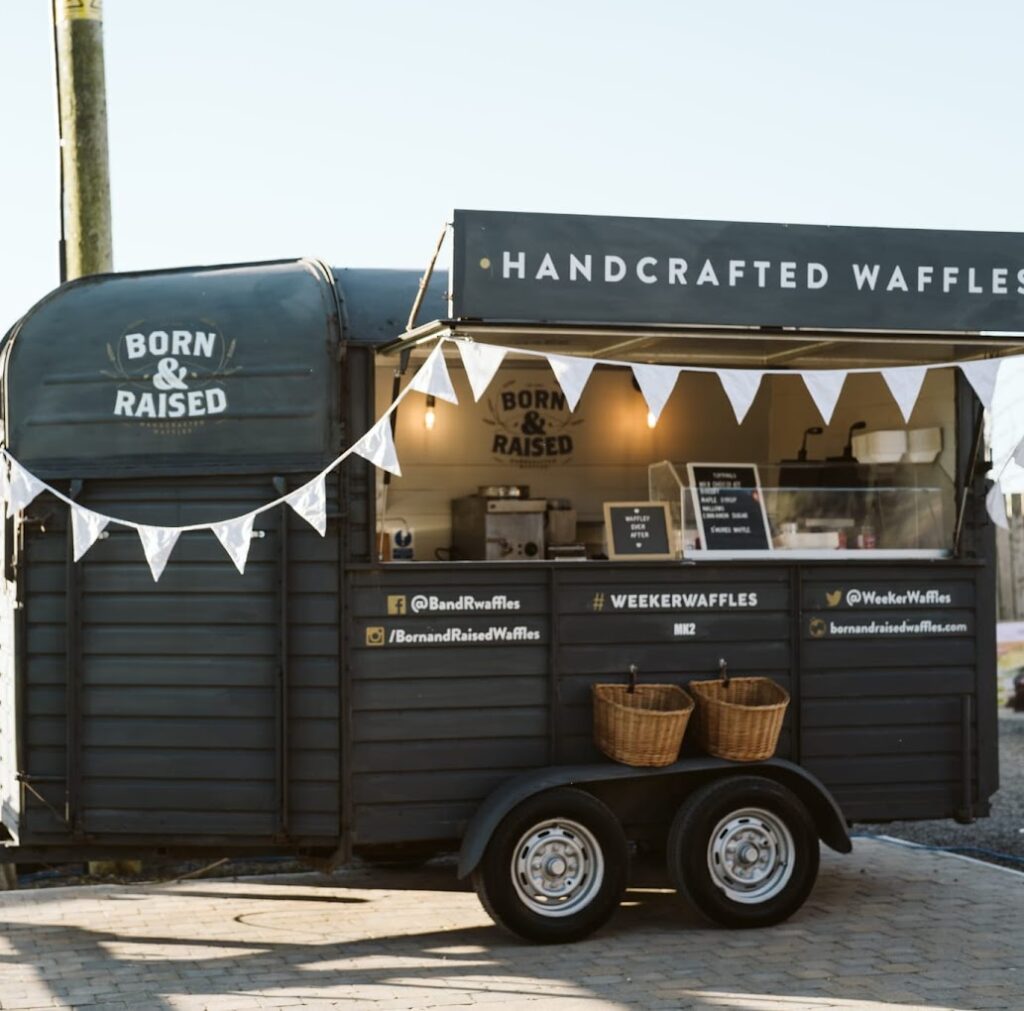
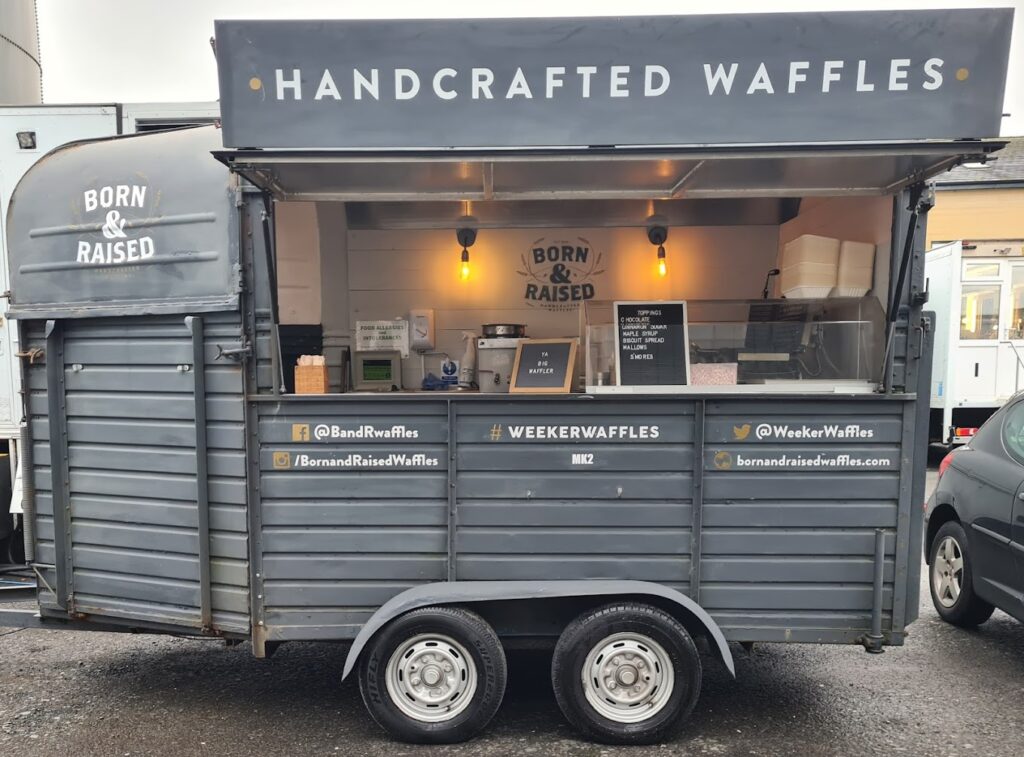
- Your truck from the outside, with clear signage.
- Your menu board or a readable copy of your menu.
- Close-ups of your best sellers, in natural light where possible.
- Your team at work.
- Your truck at real events.
Use your own photos. Stock images and pictures taken from other websites do not show customers what they will really get, and they can cause problems. If guests are clearly visible at an event, it is polite to ask permission first. Add fresh photos regularly so the profile never looks abandoned.
Menu, updates and keeping things current
If your profile lets you add a menu or list your services, do it. Customers like to know what you serve before they get in touch. You can also post updates about where you will be this week, seasonal specials or dates you still have free for bookings.
Keep updates factual and useful. A short, regular post is better than an occasional long one. Make sure the details match your website and social pages, because mixed-up information makes a business look careless.
Reviews: how to earn them and reply well
Reviews are one of the strongest signals customers look at. The best way to get more is simply to ask, politely, at the point of service. A small sign with a QR code on the hatch, or a short link in your thank-you message after an event, makes it easy.
There are limits you need to respect:
- Do not offer discounts or freebies in exchange for reviews, because Google does not allow it.
- Do not write reviews yourself, and do not ask friends or family to post reviews that are not honest.
- Do reply to every review, thanking the person by name and mentioning something specific where you can.
Negative reviews will happen. Stay calm, acknowledge the problem, say what you will do to put it right and invite the customer to contact you directly. People reading the exchange often judge a business more by how it handles a complaint than by the complaint itself.
Common mistakes to avoid
- Adding keywords to the business name. It breaks Google’s rules and can lead to suspension.
- Creating a separate profile for every event location. A single business usually needs a single profile.
- Listing a service area far bigger than where you really trade.
- Leaving the profile untouched for months. Out-of-date hours and photos put customers off.
- Using different names or phone numbers in different places. Keep your details the same on Google, your website and social media.
- Showing a home address publicly. If you work from home, the usual approach is to hide it.
A simple 15-minute weekly routine
- Check that your hours and any special dates are correct.
- Post one short update, such as where you are trading or a new menu item.
- Reply to any new reviews.
- Add one fresh photo from the week.
- Check for missed calls or messages from the profile and respond promptly.
Once a month, look at the performance figures in your profile. They show how many people called, asked for directions or visited your website, which helps you see what is working.
Frequently asked questions
Do I need a website as well?
It is not always required, but it helps a great deal. Your profile can link to it, and a website gives customers room for the detail that a profile cannot hold, such as full menus, event packages and an enquiry form.
How long does it take to appear on Google?
Verification can take anything from a short time to a few days or longer, depending on the method. After that, there are no guarantees about where you will rank. Google says relevance, distance and prominence all play a part, so consistent, accurate information and good reviews are your best tools.
Can I have more than one profile for several trucks?
Usually a business is limited to one profile, with exceptions that Google sets out in its guidelines. Check them before you create extra listings, because duplicates can cause suspensions.
Should I show my home address?
If you run the truck from home and customers do not visit you there, the normal approach is to hide the address and show your service area. Do not publish a private address you do not want the public to see.
What if my profile gets suspended?
Read the message to see what Google says is wrong, correct the problem and then follow the appeal or reinstatement process it describes. Keep your name, address details and photos accurate to avoid repeat problems.
Final thoughts
A food truck does not need a big budget to be found online. A properly set up Google Business Profile, kept up to date with honest information, real photos and replies to reviews, can bring in bookings week after week. Start with the basics, spend a few minutes each week on it and build from there.
If you run a food truck, coffee trailer or dessert van in Ireland or the UK, you can also add your business to our directory so customers can find you in one more place.